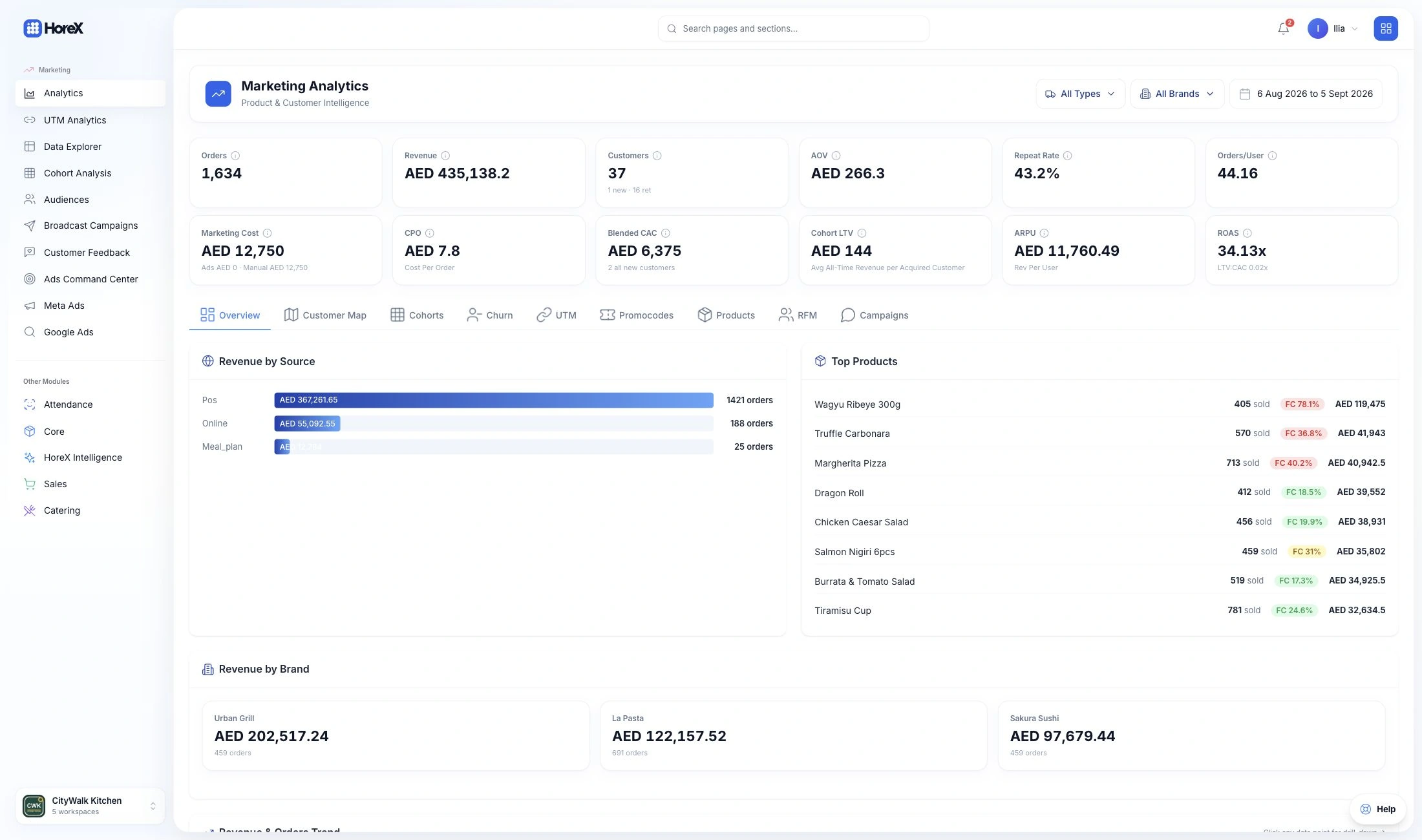

AI Report Builder
Describe the report you need. AI prepares an editable OLAP report with measures, dimensions and filters. Review it, run it and save your view.

Your sales, recipes, stock and team. AI that understands your restaurant — and helps you analyse performance, build reports and process invoices.

Copilot connects the dots across your business. Ask a question. Get an answer you can act on.

Your Command Center brings the important signals together, across every branch.

Build reports, read invoices and define guest audiences inside the tools you already use.
Copilot
Ask about sales, food costs, suppliers or guests. Copilot brings the relevant records together and explains what they mean.
 HoreX CopilotHoreX Copilot
Yes. June’s daily sales were up 6%, while food cost held close to 32.5% of sales. You’re bringing in more revenue without a meaningful change in the share going to ingredients.
I’ve compared sales per day, since the May figures cover only ten days.
22 May–30 June 2026 · All locations
| Period | Sales per day | Food cost / sales |
|---|---|---|
| 22–31 May | AED 26,718 | 32.4% |
| June | AED 28,327 | 32.5% |
HoreX CopilotAt June’s sales, about AED 8,500 more a month. That means taking food cost from 32.5% to 31.5%, with sales and other costs unchanged.
HoreX CopilotDone. The comparison and savings calculation are in one sheet. You can adjust the food-cost target and see how much more you’d keep each month.
Command Center
See sales, purchasing and branch performance together. Choose the period, follow a change and open the records behind it.
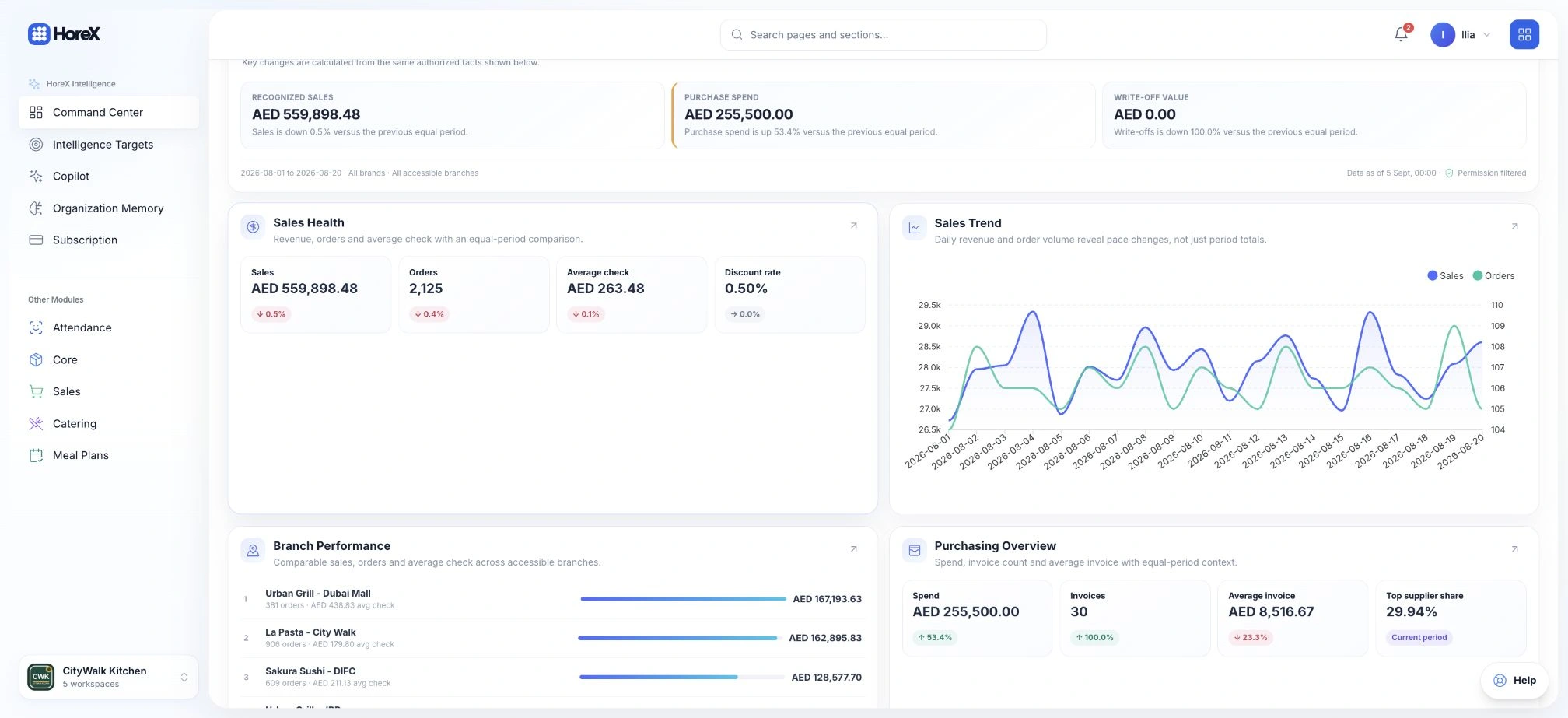 Command Center
1–20 August 2026 · Demo data
AED · All accessible branches
Across HoreX
Describe a report. Upload an invoice. Define an audience. AI prepares the next step inside HoreX, ready for your review.
Describe the report you need. AI prepares an editable OLAP report with measures, dimensions and filters. Review it, run it and save your view.
Upload a supplier invoice in Arabic or English. AI extracts the lines and matches catalog products. Review the draft before posting it to stock.
Describe the guests you want to reach. AI drafts the segment conditions. Preview matching customers and review before saving.
Define success, set targets and compare them with actual results. Keep your performance goals alongside the analysis.
Give AI your operating context: your brands, routines and business priorities.
Each person sees the data they are allowed to see. Your existing access rules still apply.
Continue from an analysis to the workflow behind it.
A few practical details
Ask about sales, costs, stock, purchasing, customer history or how to use HoreX. For example: compare sales by branch, investigate supplier price changes, or explain a purchase invoice review. Available answers depend on your records and access rights.
Use AI Report Composer in Analytics Builder to prepare a report from a plain-language request, invoice recognition to extract supplier document lines, and Build with AI in Audience Builder to draft guest segment conditions. Review the result before saving or posting. Available tools depend on your workspace and access rights.
No. The dashboard and Live Brief are calculated from ERP records. Analyze with Copilot is a separate action that asks AI to interpret the selected period and scope.
Copilot shows the period, scope and sources used for an analysis. You can inspect referenced records and export supported analysis tables to Excel. Missing historical cost evidence is identified rather than silently treated as zero.
No. Copilot and Command Center use the employee’s existing permissions and accessible branches. Access to Intelligence does not grant access to restricted finance, customer or staff records.
Build a report in Analytics Builder, save it and pin it to Command Center. Intelligence Targets supports KPIs, formulas, target plans and a calendar comparing plan with actual performance.
Invoice AI prepares extracted lines and product matches for review. Your team checks the document and explicitly posts it. Scanning a document and receiving stock are separate steps.
Generative requests use the organization’s shared AI Credits. Owners manage the subscription and balance. Opening the dashboard or reading its calculated Live Brief does not generate an AI analysis.
Have a specific question? Talk to us
Your next step
Bring a real question from your business. See how HoreX helps you find the answer.